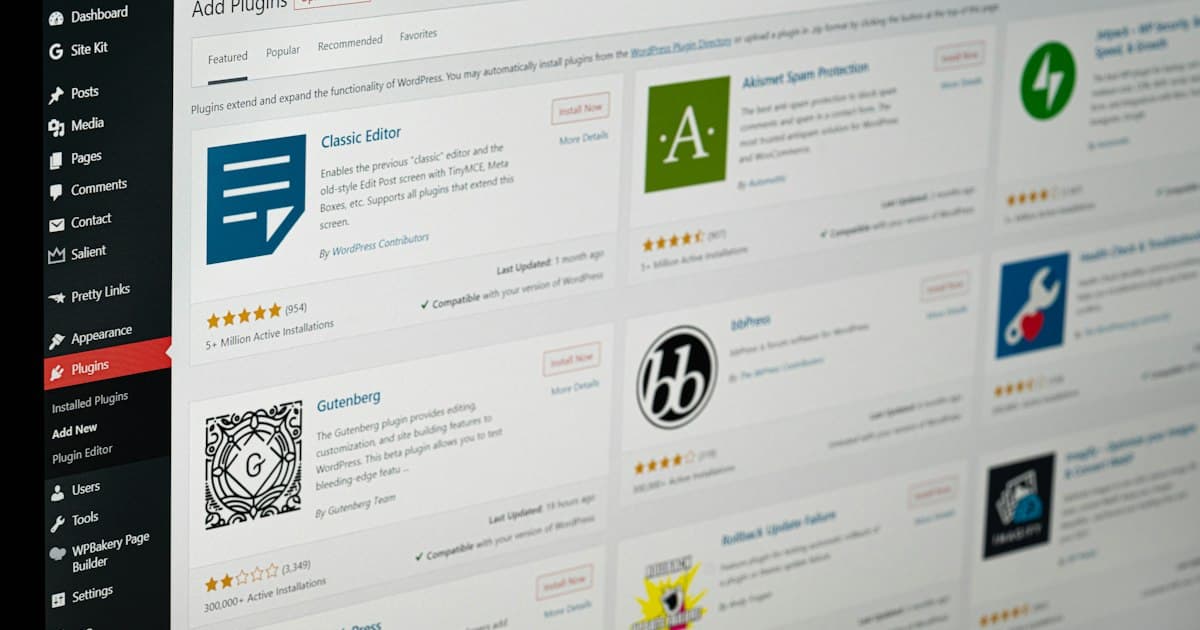
WooCommerce's biggest SEO strength and biggest SEO weakness come from the same source: it's built on WordPress, with an enormous plugin ecosystem that can handle almost anything — which also means almost nothing is handled by default, and the quality and configuration of every piece is entirely up to whoever set up the store. An SEO plugin like Yoast or Rank Math genuinely helps with the fundamentals. It doesn't catch everything, and a few specific problems show up on WooCommerce stores again and again.
What a good SEO plugin actually covers
To be clear about the baseline: a properly configured Yoast or Rank Math handles meta titles and descriptions, basic Product schema, XML sitemap generation, and canonical tags reasonably well, and for most stores this genuinely is most of the technical foundation sorted. The problems below are specifically the things that slip past this layer.
Where WooCommerce stores actually go wrong
Running two SEO plugins at once
This happens more often than it should — a theme bundles one SEO plugin, a developer adds a second out of habit, and both start outputting meta tags, schema, and sitemap files simultaneously. The result is duplicate or conflicting schema markup and sometimes duplicate meta tags in the page source, actively undermining the very thing each plugin is meant to fix. Check your page source for duplicate <title> tags or multiple JSON-LD blocks claiming the same schema type as the tell.
Category and attribute URL bloat
WooCommerce's default behavior of generating a unique, indexable URL for every product attribute and filter combination (size, color, sort order) can quietly produce thousands of thin, near-duplicate pages that dilute crawl budget and confuse Google about which version is canonical. This is worth auditing specifically on stores with large, filterable catalogues — the fix is usually a combination of canonical tags and selectively noindexing filtered views, not disabling filtering itself.
The WordPress generator tag and other information disclosure
A default WordPress install reveals its exact version (and often key plugin versions) in a meta tag and in asset file URLs. Not a direct SEO issue, but a basic hygiene one most security guides recommend cleaning up — and a quick way to spot a store that hasn't had recent technical maintenance.
Plugin-driven page bloat
WooCommerce stores accumulate plugins fast — payment gateways, shipping calculators, review widgets, upsell tools — and each one typically adds its own scripts and stylesheets whether or not they're used on a given page. This is the single most common cause of slow WooCommerce stores, and it's rarely caught by an SEO plugin, since SEO plugins check meta tags and schema, not runtime performance.
Thin or auto-generated product descriptions
The same problem that affects every e-commerce platform — see our full e-commerce SEO checklist — shows up just as often on WooCommerce, where importing products via CSV or a supplier feed makes it trivially easy to launch hundreds of products with identical, unedited manufacturer copy.
Tip After any plugin change — adding, removing, or updating an SEO plugin — view the actual page source of a few key pages, not just the plugin's own settings screen. Plugin settings describe intent; page source is what search engines actually see, and the two can drift out of sync more easily than you'd expect.
Checking your store directly
Rather than auditing plugin settings one by one, our free WooCommerce SEO checker scans your live store for exactly these issues — on-page fundamentals, Product schema presence, and image format — and tells you what's actually live on the page, independent of what any plugin's dashboard claims.
If you're comparing platforms rather than troubleshooting an existing WooCommerce store, see our Shopify vs WooCommerce comparison. Our e-commerce services include full WooCommerce technical audits and plugin-stack cleanups if your store's grown complicated enough to need a proper review.