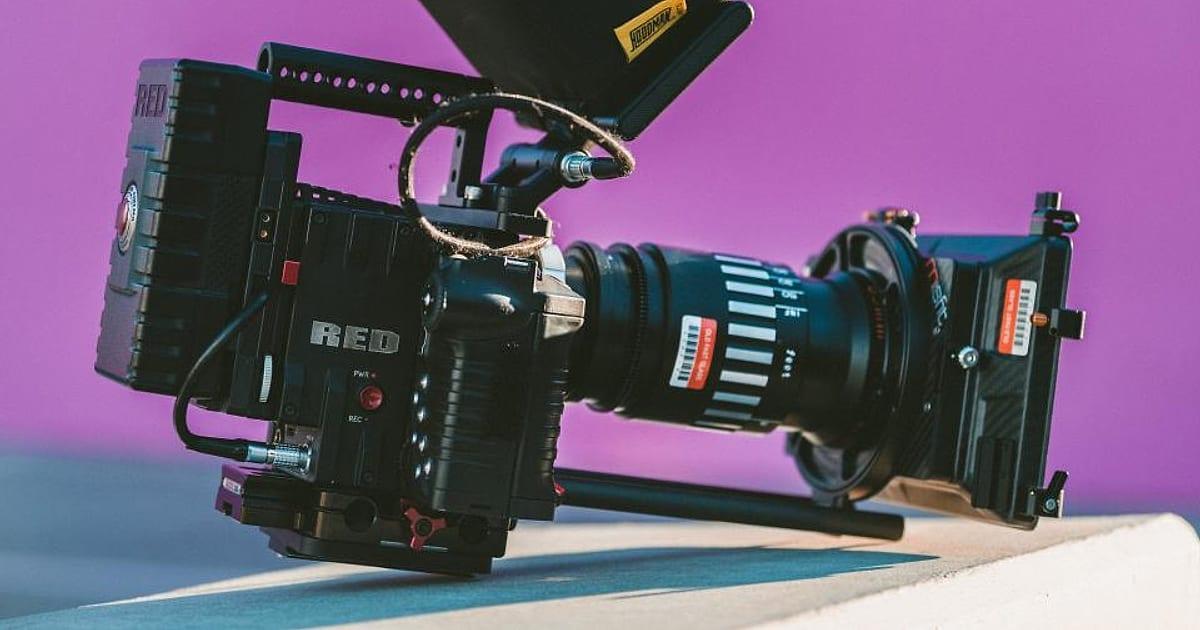
Video can explain in a minute what a page of text takes five to say, and it lets people see the faces, products and places behind a business. But many small businesses never start, worried about cost, equipment or appearing on camera. The good news: useful video is far more about clarity than production value. Here's where to start.
Which videos to make first
| Video type | What it does | Where to use it |
|---|---|---|
| FAQ answers | Answers questions customers ask every week | Website, social, sales follow-ups |
| Product or service demo | Shows how it works | Product and service pages |
| Customer testimonial | Lets clients speak for you | Homepage, case studies, ads |
| Behind the scenes | Builds trust and personality | Social media |
| Explainer | Simplifies a complex offer | Homepage, landing pages |
| How-to tutorial | Helps customers succeed | Help centre, YouTube, email |
If you only make one type, make FAQ videos. Every customer question is a ready-made script.
Simple equipment that's enough
| Item | Why it matters | Budget option |
|---|---|---|
| Smartphone | Records high-quality video | The phone you already have |
| Microphone | Clear audio keeps people watching | A clip-on lavalier mic |
| Light | Faces need to be well lit | A window, or a small LED light |
| Stand or tripod | Stable shots | A phone tripod |
| Editing app | Trims, captions and music | Free or low-cost mobile and desktop editors |
Script before you shoot
A simple structure works for most short videos:
- Hook (first 3 seconds): the question or problem
- Answer: the main point, clearly
- Example: a quick illustration or demonstration
- Next step: where to learn more or how to get in touch
Write it out, read it aloud, and cut anything that doesn't help. You don't need to memorise it; bullet points are fine for natural delivery.
Filming tips
- Face a window for soft, flattering light
- Record somewhere quiet; turn off fans and notifications
- Frame at eye level with a little space above the head
- Film in vertical (9:16) for social and horizontal (16:9) for websites and YouTube, or shoot wide and crop
- Record a few takes; the second or third is usually best
Editing essentials
- Cut pauses and repetition ruthlessly
- Add captions: many people watch with the sound off
- Add your logo and brand colours subtly
- Keep music quiet under speech
- Export versions for each platform
Choosing platforms
| Platform | Strength | Format |
|---|---|---|
| Your website | Converts visitors already interested | Explainers, demos, testimonials |
| YouTube | Search and long-term discovery | Tutorials, longer explainers |
| B2B trust | Short expertise videos | |
| Instagram and TikTok | Reach and personality | Vertical short-form video |
| Nurture existing leads | Thumbnails linking to videos |
Embed videos on your website so they load quickly, and add a text summary or transcript nearby so search engines and AI assistants understand the content.
Repurpose one video into many
A five-minute tutorial can become three short clips for social, a newsletter feature, a blog post using the transcript and a section of a service page.
Measuring results
- Watch time and completion rate: are people watching to the end?
- Engagement: comments, shares and saves
- Actions: clicks, enquiries and sales from video traffic
- Sales use: how often the sales team sends videos to prospects
Common mistakes
- Long introductions before the point
- No captions
- Poor audio
- Making one expensive video and posting it once
- Talking about features instead of customer problems
A first month of video: a simple plan
| Week | Video | Where to use it |
|---|---|---|
| 1 | "What we do in 60 seconds" | Homepage, LinkedIn, email signature link |
| 2 | Answer to your most common customer question | Service page, social, sales follow-ups |
| 3 | Short tour of your workspace or process | Social, About page |
| 4 | Customer testimonial (with permission) | Homepage, case study, ads |
Four videos, filmed on a phone in a couple of afternoons, give you assets you can use for months.
Video SEO basics
- Descriptive titles that match how people search: "How to fix a dripping tap" beats "Video 3"
- Written descriptions and transcripts so search engines and AI assistants understand the content
- Custom thumbnails with a clear image and a few words
- Chapters on longer YouTube videos, so viewers can jump to the part they need
- Embed videos on relevant pages of your website, with surrounding text
- Video structured data on key pages, so videos can appear in search results
YouTube is also a search engine. Tutorials and how-to videos there can bring steady traffic for years if they answer real questions.
How we help
Our video and motion content service plans, scripts, produces and edits video for every platform, and our motion graphics team creates animated explainers when filming isn't the right fit.
The short version
Start with FAQ and demo videos, use your phone, a decent microphone and good light, script a hook-answer-example-next step structure, keep videos short, always add captions, publish where your customers are and repurpose each video into several pieces.