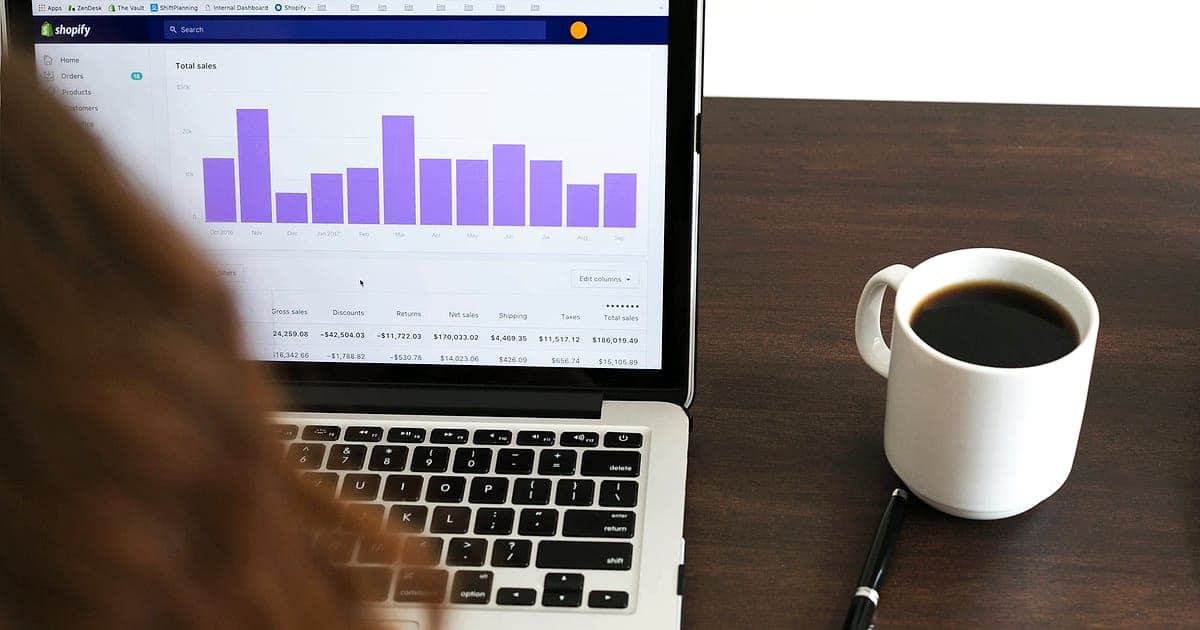
If your shop platform says you made 100 sales last week but Google Ads or Meta reports 70, you're not imagining it. Browser-based tracking now misses a meaningful share of conversions. Ad blockers block pixels, browsers limit cookies, people decline consent and in-app browsers lose data between clicks.
Server-side tracking is one of the main ways businesses recover accurate measurement. Here's what it is, how it works and whether you need it.
Why browser tracking loses data
| Cause | Effect |
|---|---|
| Ad blockers and privacy extensions | Pixel and analytics scripts never load |
| Browser tracking protection (Safari, Firefox and others) | Cookies expire quickly or are blocked |
| Declined consent | Tags can't use cookies for that visitor |
| Slow pages | Visitors leave before tags fire |
| In-app browsers (Instagram, TikTok) | Sessions break between apps |
| Cross-device journeys | Clicked on phone, bought on laptop |
The result is under-reported conversions. That doesn't just make reports look worse. Automated bidding in Google Ads and Meta learns from conversion data, so missing data means worse optimisation and higher costs.
How server-side tracking works
Normal (client-side) tracking: the visitor's browser loads scripts from Google, Meta, TikTok and others, and sends data directly to each.
Server-side tracking: the browser sends one stream of data to your own tracking server (often on a subdomain like data.yoursite.com). Your server then decides what to forward to each platform.
| Client-side | Server-side | |
|---|---|---|
| Scripts in the browser | Many | Fewer |
| Blocked by ad blockers | Often | Less often (first-party subdomain) |
| Cookie lifetime | Often limited by browsers | Longer for first-party cookies set by your server |
| Control over data sent | Low | High (you can remove or hash data) |
| Page speed | Slower with many tags | Faster |
| Setup effort | Low | Medium |
The main options
1. Server-side Google Tag Manager
You run a server container (hosted on Google Cloud or a specialist host) and send data to GA4, Google Ads, Meta, TikTok and others from there. Flexible and widely used.
2. Conversions APIs
Ad platforms accept conversion events sent directly from servers:
- Meta Conversions API
- Google Ads enhanced conversions (hashed customer data matched to ad clicks) and offline conversion imports (for leads that close later)
- TikTok Events API
Many platforms, including Shopify and WooCommerce plugins, offer built-in connections, often the quickest win for shops.
3. Offline conversion imports for lead businesses
If your sales happen on the phone or after a quote, import closed deals back into Google Ads and Meta with the click ID or hashed email. The ad platforms then optimise for real revenue, not form fills.
Privacy and consent still apply
Server-side tracking is not a way around privacy law. You must:
- Respect consent choices and pass them through. Read Google Consent Mode v2.
- Only send data you're allowed to send, and hash personal data where the platform requires it.
- Update your privacy policy to explain your tracking.
- Avoid sending sensitive data (health details, full addresses) to ad platforms.
Done properly, server-side tracking is actually better for privacy, because you control and minimise what each platform receives.
When it's worth it
| Situation | Recommendation |
|---|---|
| Small site, little ad spend | Start with Consent Mode, enhanced conversions and platform integrations |
| Shop spending hundreds or thousands a month on ads | Use your platform's Conversions API integrations; consider server-side GTM |
| Lead business closing deals offline | Offline conversion imports are a must |
| Large ad budget across many platforms | Server-side GTM with careful governance |
A step-by-step plan
- Measure the gap. Compare orders or leads in your own system with what each ad platform reports.
- Fix the basics. Consent Mode v2, correct conversion actions, enhanced conversions.
- Turn on platform integrations (Meta Conversions API, TikTok Events API) through your shop or CRM.
- Import offline conversions if sales close after the first contact.
- Move to server-side tagging when spend justifies it, starting with your highest-spend platform.
- Deduplicate events. When you send the same purchase from browser and server, use a shared event ID so it isn't counted twice.
- Recheck the gap after a month.
What not to expect
Server-side tracking recovers a portion of lost data. It won't give you a perfect, person-by-person record of every journey, and it shouldn't. Pair it with UTM parameters, first-party data like your email list and simple sanity checks: does total revenue move when ad spend moves?
The short version
Browser tracking misses conversions because of ad blockers, cookie limits, declined consent and broken in-app journeys. Server-side tracking sends data through your own server first, then on to ad platforms, recovering accuracy and giving you more control. Start with Consent Mode, enhanced conversions and platform APIs, add offline imports for leads, and move to server-side tagging once spend justifies it.
Our digital marketing team sets up tracking that respects consent and shows what's really working. Once your data is accurate, Ad Doctor can tell you which ads to scale.