01
A website squeezed into an app
Desktop thinking on a small screen creates tiny targets, long forms and buried actions.
Flows, screens and prototypes designed for thumbs, small screens and short attention spans.
Designing for a phone is different: one hand, small screens, interruptions and platform habits people expect. We design app experiences around those realities, test them on real devices and hand over designs developers can build exactly.
The problems we hear most often before someone asks us about app UI/UX design.
Desktop thinking on a small screen creates tiny targets, long forms and buried actions.
Long sign-up flows and permission requests up front make new users quit before they see any value.
Controls that behave differently from what iPhone or Android users expect make the app feel wrong.
The few tasks users do most, designed to be quick and obvious.
First-run experience that shows value fast and asks for permissions at the right moment.
Designs that respect iOS and Android conventions while staying on brand.
Both themes designed and checked for contrast.
Interactive prototypes tested on real phones, not just on a monitor.
Components, tokens, specs and assets ready for your developers.
You follow every step live in Mission Control, your project dashboard: tasks, files, approvals and a launch forecast.
Users, contexts and the jobs the app must do well.
User flows and wireframes for each key task.
High-fidelity screens and a component library for both platforms.
On-device prototype testing with real users, then refinement.
Minimum touch target size we design to
Themes designed: light and dark
WCAG 2.2 contrast and accessibility
Something else on your mind? Ask the Zelvorm Concierge in the corner, or talk to the team.
We design one experience that respects each platform's key conventions, such as navigation and controls, so it feels right on both without doubling the work.
 UI/UX Design
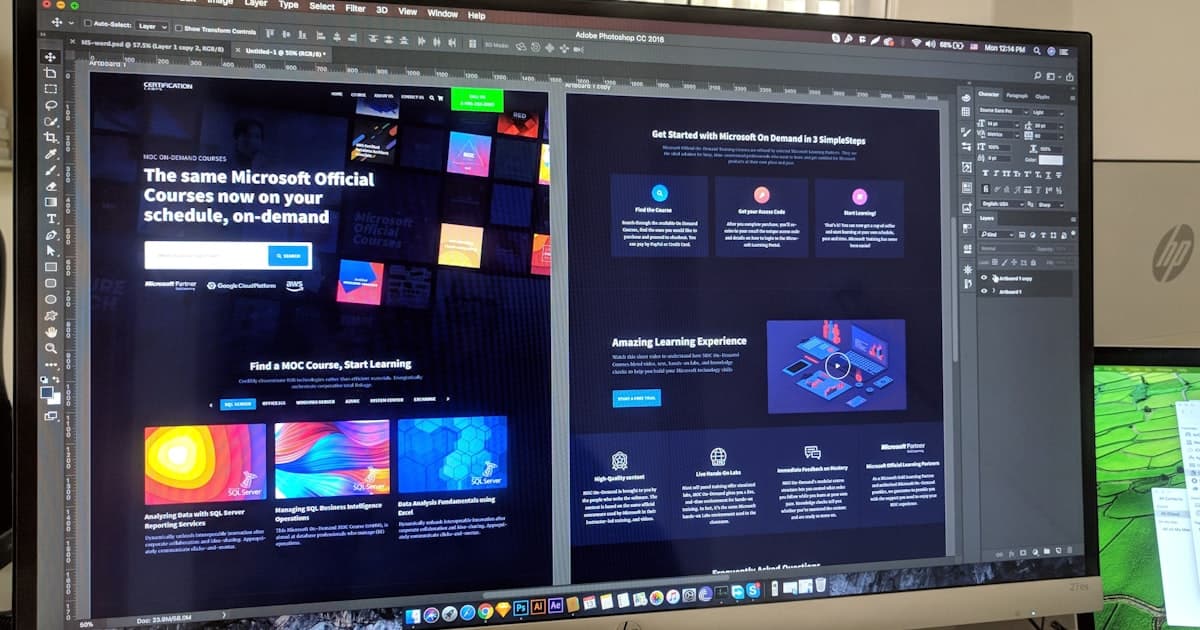
A practical WCAG 2.2 checklist for small business websites: contrast, keyboard access, forms, images, focus, target size and the new 2.2 criteria, in plain English.
6 Nov 2026 · 5 min read
 UI/UX Design
You don't need a lab or a research team to run a usability test. A step-by-step method for testing your site with five real users, cheaply.
23 May 2026 · 4 min read
 Mobile App Development
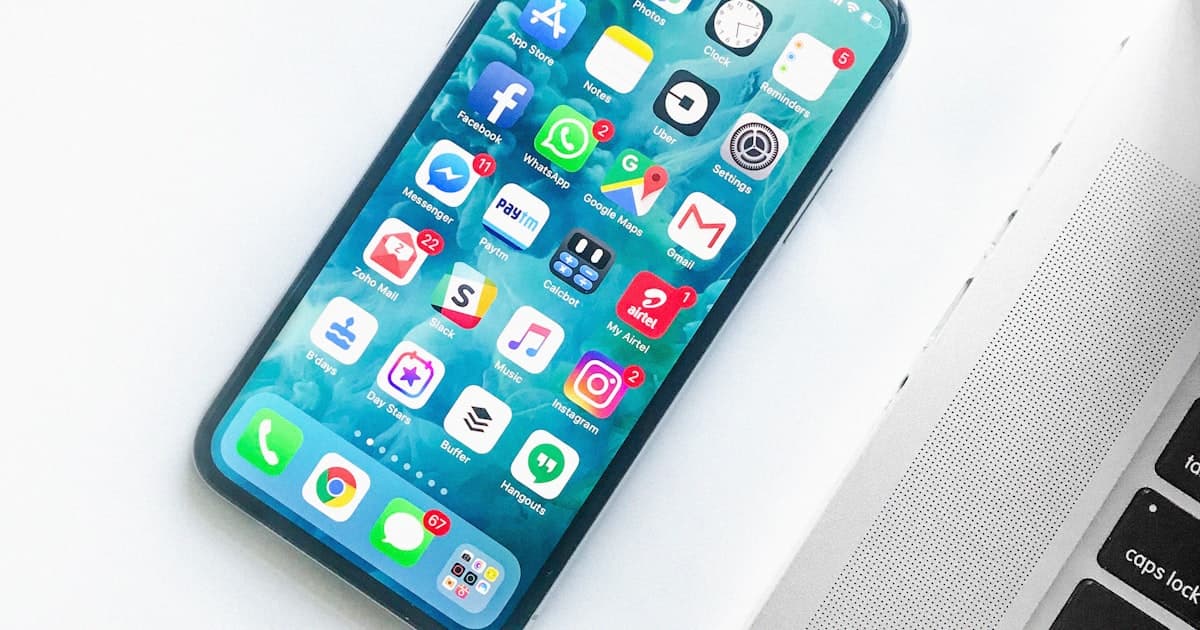
Native and cross-platform development both build real apps — the right choice depends on budget, timeline, and what your app actually needs to do.
8 Apr 2026 · 6 min read
Next in Mobile App Development
APIs & backend
Tell us what you're building. You'll hear from a human within 24 hours, with an AI Blueprint already waiting.
contact@zelvorm.com · Avg. response under 24h