01
Conversion is low and nobody knows why
Analytics show where people drop off, not why. Without watching them, teams guess at fixes and hope.
Moderated and remote testing that shows exactly where people struggle, and what to change.
You can't see your product the way a first-time user does. Usability testing lets you watch real people try to complete real tasks, so you find the confusing labels, hidden buttons and broken flows that are quietly costing you customers.
Task success
Time on task
Drop-offs
The problems we hear most often before someone asks us about usability testing.
Analytics show where people drop off, not why. Without watching them, teams guess at fixes and hope.
Everyone inside knows where everything is. The labels and flows that confuse newcomers are invisible to them.
Big research projects seem out of reach, so products launch without anyone outside the team trying them.
Goals, tasks, participants and success measures agreed before any session.
Participants who match your audience, from your customers or a panel.
Live sessions where a researcher guides users through tasks and asks why they do what they do.
Remote tests at scale for quick answers on specific questions.
Short clips of the key moments, so your team sees the problems for themselves.
Every issue rated by severity and frequency, with a recommended fix for each.
You follow every step live in Mission Control, your project dashboard: tasks, files, approvals and a launch forecast.
We agree what to test, the tasks, who to recruit and how we'll judge success.
We find and schedule participants who match your real users.
Sessions on your live site, app or prototype, recorded with permission.
Findings, clips and a prioritised fix list, presented to your team.
Participants per round usually find most major issues
Typical time from plan to findings
Of findings rated by severity with a fix
Something else on your mind? Ask the Zelvorm Concierge in the corner, or talk to the team.
Around five participants per round typically uncover most of the biggest problems. We'd rather run two small rounds, fixing issues in between, than one large one.
 UI/UX Design
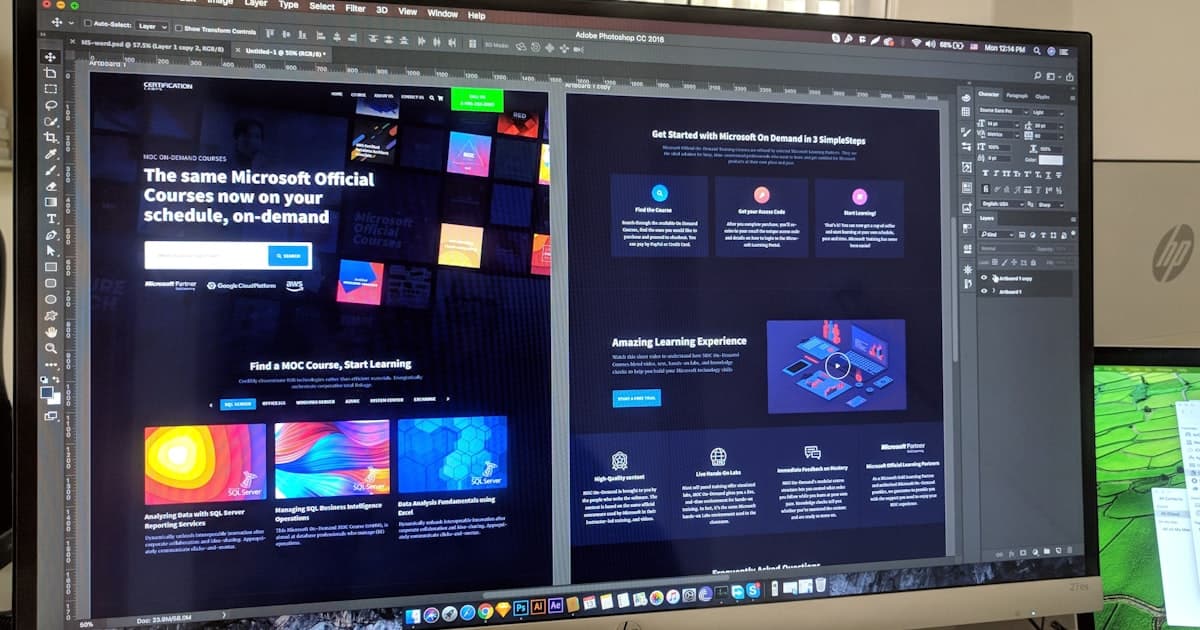
AI personas can test a website in minutes, but they aren't your customers. Here's what synthetic users catch, what they miss and how to combine them with real usability testing.
6 Nov 2026 · 4 min read
 UI/UX Design
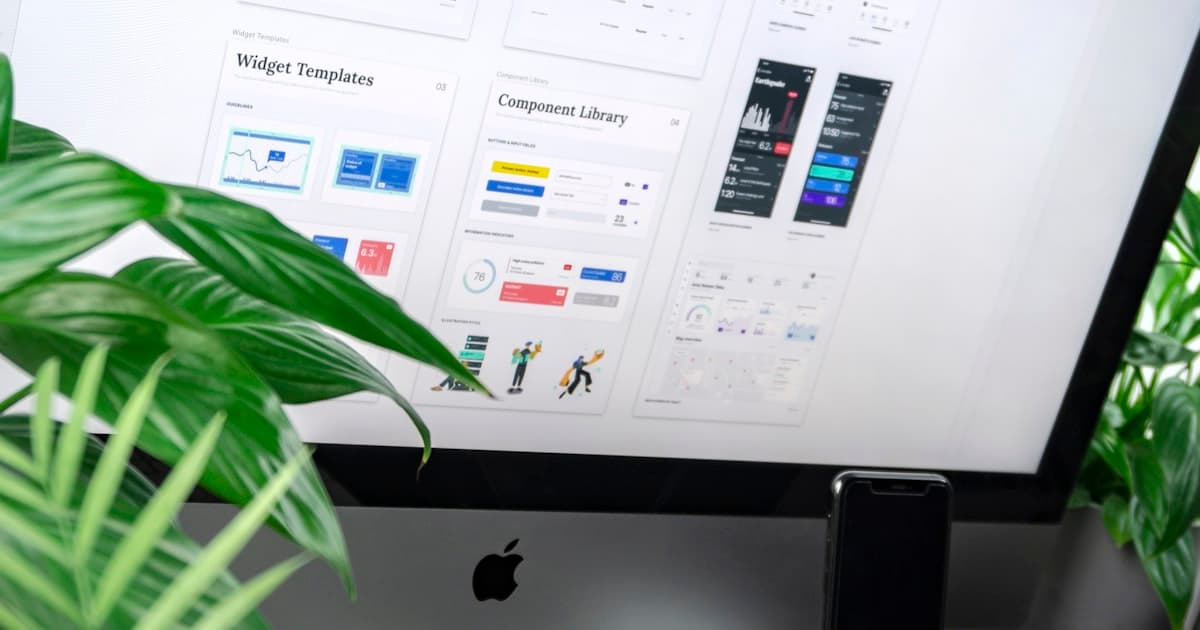
You don't need a lab or a research team to run a usability test. A step-by-step method for testing your site with five real users, cheaply.
23 May 2026 · 4 min read
 UI/UX Design
Low conversion rates are rarely a traffic problem. Here are seven common UX mistakes that quietly drive visitors away before they convert.
16 May 2026 · 5 min read
Next in UI/UX Design
User research & personas
Tell us what you're building. You'll hear from a human within 24 hours, with an AI Blueprint already waiting.
contact@zelvorm.com · Avg. response under 24h